
Customers
Sales → Customers lists everyone who bought from you, with what they spent and how many purchases they made.
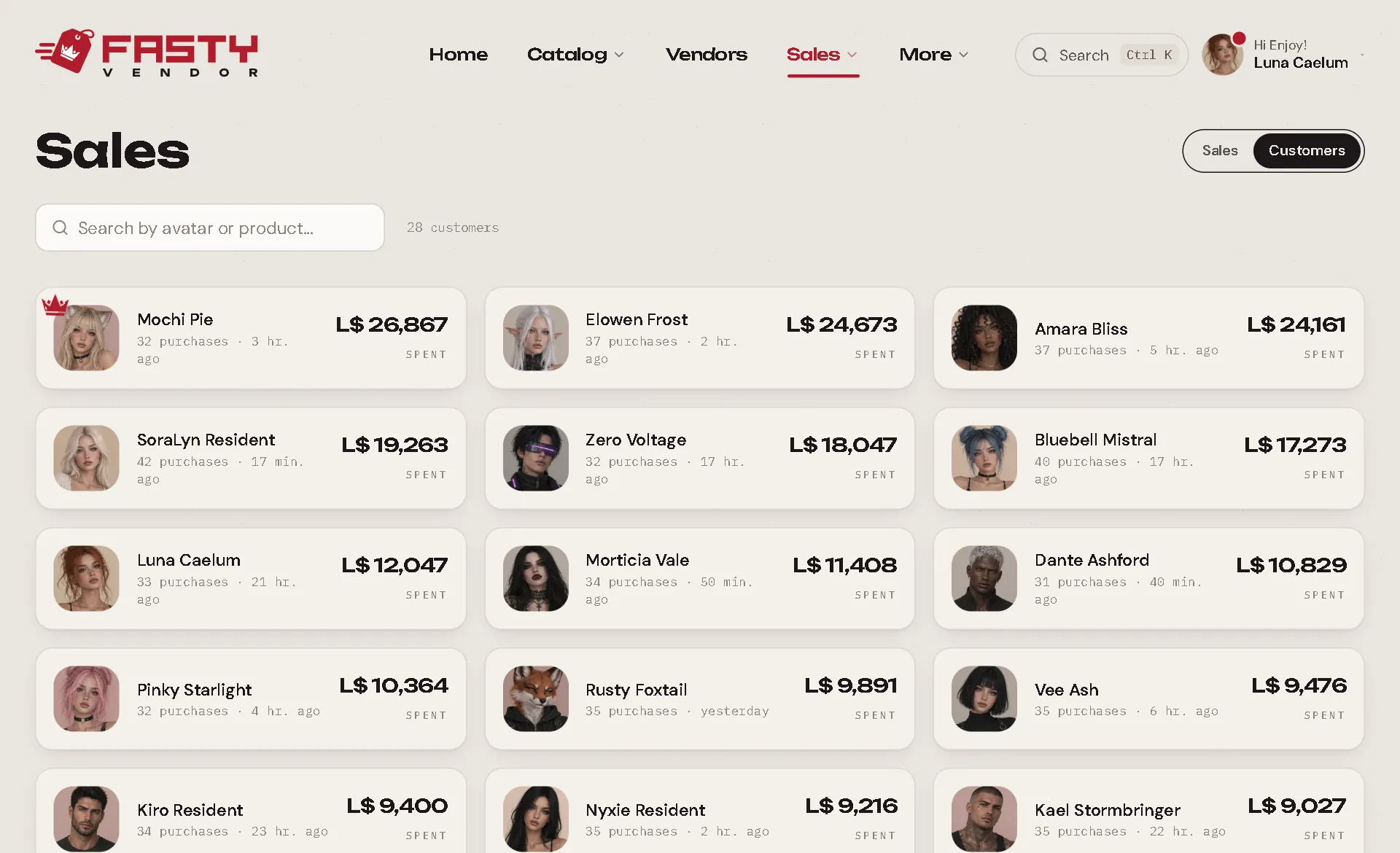
The customer page
Click a customer (here, or their name anywhere in the panel) to open their page.
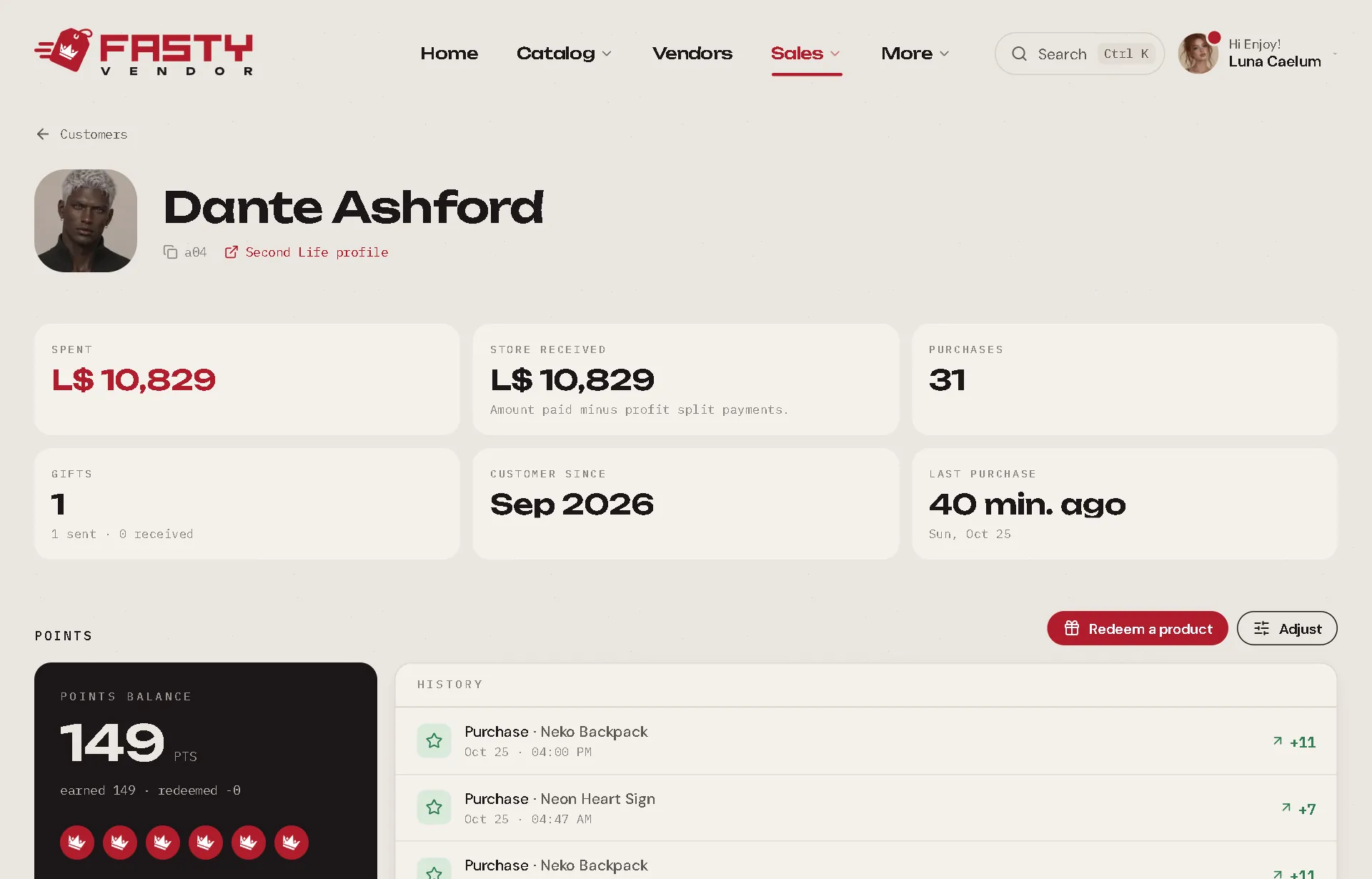
At the top
- Their Second Life picture and name, the UUID (click to copy) and a link to their Second Life profile.
- Redeliver everything: resends every item they ever bought (or received as a gift). Great when someone lost their inventory. Gift cards and delivered gacha prizes are left out. Customers can also do it themselves from the redelivery terminal.
The numbers
| Number | Meaning |
|---|---|
| Spent | Everything they paid you. |
| Store received | What you kept, after profit shares. |
| Purchases | How many times they bought. |
| Gifts | Gifts sent and received. |
| Customer since | Their first purchase. |
| Last purchase | When they last bought. |
Sections
- Points PRO: their balance, history, and the Redeem a product and Adjust buttons. See Loyalty Points.
- Gift cards PRO: the cards they hold. See Gift Cards.
- Coupons PRO: their personal coupons, with Give a coupon. See Coupons.
- Transactions: every purchase, 30 at a time (Load more for older ones), with filters: All, Purchases, Gifts sent, Gifts received, Refunded. Marketplace sales and sales imported from CasperVend are here too.
- What they buy: their favourite products, counted over their whole history.
The numbers are always counted over all their purchases, even for a customer with thousands of them.