Events
Buttons need a click. Events do not: they run a function when something happens in-world.
| When… | Event |
|---|---|
| The HUD is worn | Attach |
| The item is taken off | Detach |
| The object is rezzed on the ground | Rez |
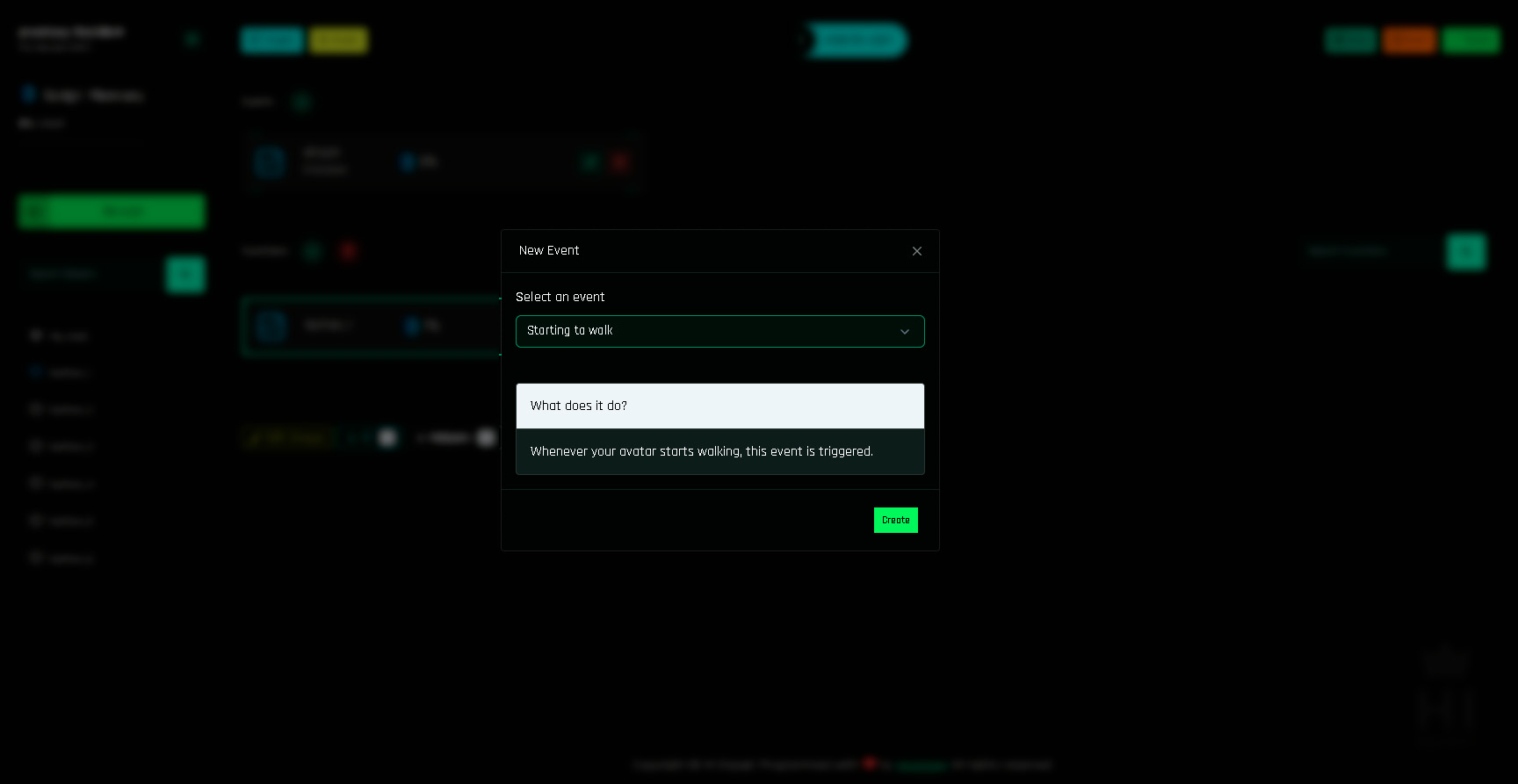
| The avatar starts walking, running, jumps, stands still | Starting to walk, Starting to run, Jump, Idle |
| The avatar enters water, swims, leaves water | the water events |
| The avatar bumps into something | Collide in avatars, Collide in objects |
| Another project sends a command | Receive Command |
The full list with examples is in the Events List.
What you can build with them
- An AO-like outfit: play a walk animation when walking, an idle pose when still.
- Startup logic: apply the default texture and say hello when the HUD is attached.
- Cleanup: stop sounds and remove glow on detach.
- Anti-rez: delete the object if a customer rezzes it on the ground.
- Wet clothes: switch to a wet texture when entering water, dry when leaving (guide).
- Remote control: a HUD sends commands to a chair, the chair's project reacts (guide).
Requirements
- Register the event in the panel (next page).
- Drop
[add-on] - Events - 1Clickinto the object where the event happens. Without it, nothing fires. - Build.
Where does the event run?
Events are about the object that has the project. A HUD's Attach fires when the HUD is attached. A shirt only has events if the shirt has its own project (*BUILD + *FUNCTIONS + the Events add-on inside the shirt).
An event is a function
Once registered, an event appears in the Events row as a function. Open it with ✏️, add actions, save, build. Everything you know about actions applies.