Conditions and Variables
Most HUDs are a list of "click → do this". Variables and conditions add a second layer: the item can remember something and decide what to do based on it.
- A variable is a labeled box that holds a value: a number, a text, a position, a key.
- A condition compares two values and runs one function if the comparison is true, another if it is false.
Together they let a single button toggle between ON and OFF, a HUD switch modes, an outfit react to whether the avatar is flying, or a button behave differently for the owner and for other people.
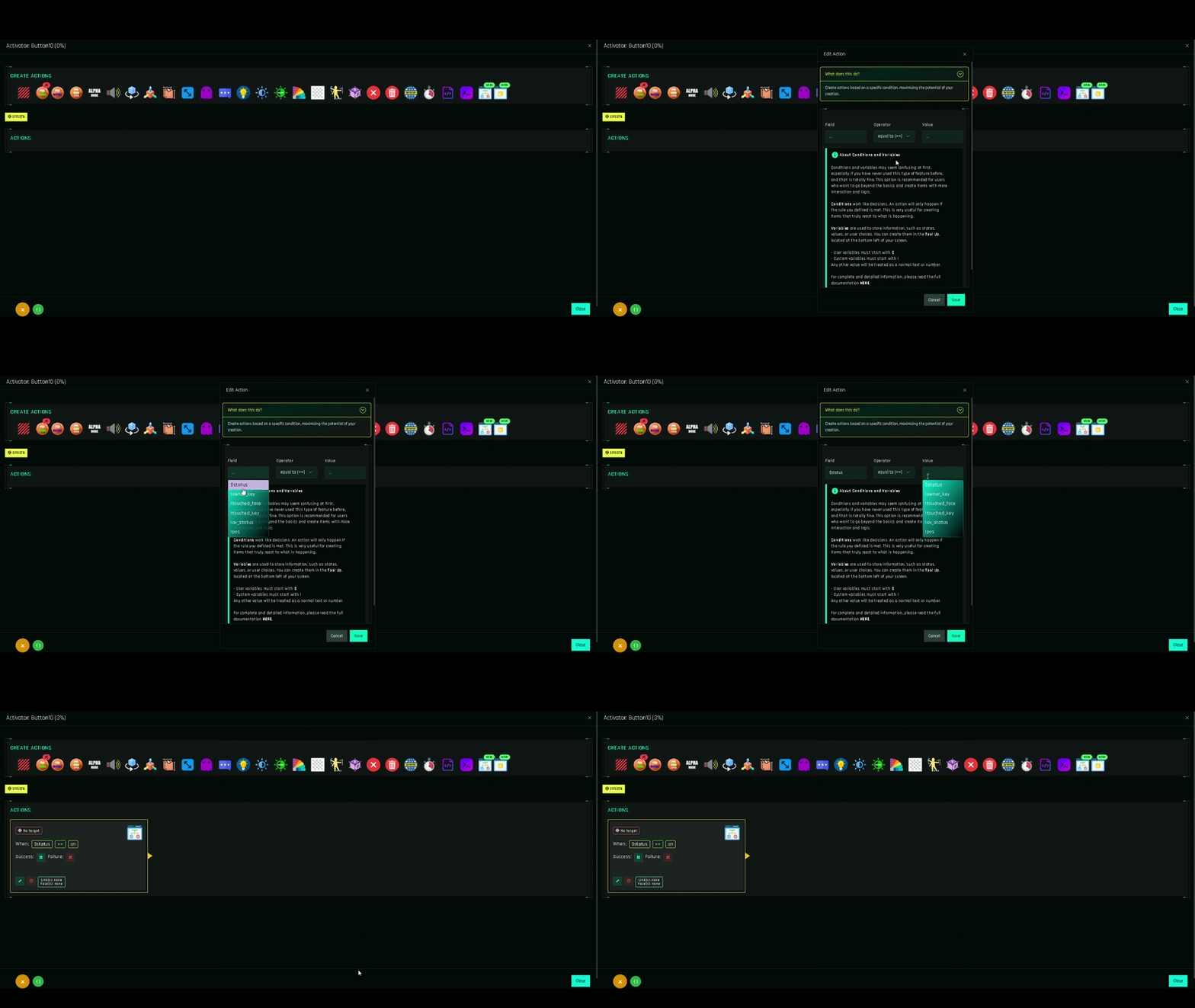
Requirements
[add-on] - Conditions & Variables - 1Clickinside the object that runs the logic (usually the HUD).- Currently included in FREE.
The pieces
System Variables Read-only values the system provides: who clicked, which face, the avatar's state and position.
User Variables Values you define and change, prefixed with $.
Creating a Variable Type, name, initial value.
Change Variable The action that sets, adds to or subtracts from a variable.
Conditions Operators, types, success and failure paths.
Creating a Condition The action form, nesting and performance.
Example: an ON/OFF button
One button, one variable, one condition:
Variable  $light = OFF

Button "switch"
└─ Condition: $light == OFF
   ├─ success → Change Variable $light = ON,  Point of Light ON
   └─ failure → Change Variable $light = OFF, Point of Light OFF
The full walkthrough is in the ON/OFF Toggle Button guide.
Current limits
- Variables are compared in conditions and changed with Change Variable. They cannot yet be inserted into other actions' fields (for example, a message that prints a variable's value).
- Conditions cost more processing than other actions. A few per click are fine; dozens in one flow will feel slow.